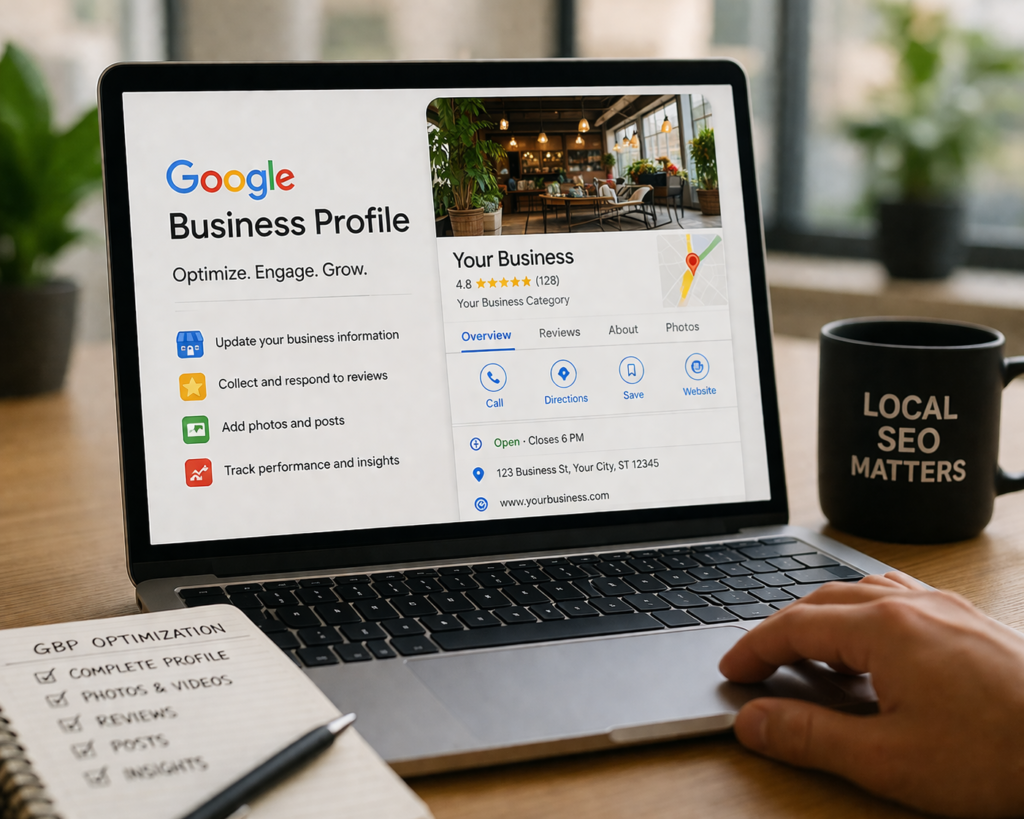
As a local business, gaining visibility on Google is essential for attracting new customers and driving growth. One of the most powerful tools for improving local SEO and boosting visibility is Google Business Profile (GBP). Optimizing your Google Business Profile ensures that your business appears in local search results and on Google Maps, giving potential customers the information they need to engage with your business.
In this guide, I’ll walk you through the steps of optimizing your Google Business Profile to ensure that it ranks highly on both Google Search and Google Maps. Whether you’re a small service-based business, a digital brand, or a founder looking for sustained SEO success, these tips will help you achieve lasting visibility and consistent lead generation.
What is Google Business Profile and Why Does It Matter?
Google Business Profile, formerly known as Google My Business (GMB), is a free tool provided by Google that allows businesses to manage their online presence across Google, including Google Search and Google Maps. By verifying and optimizing your profile, you can provide potential customers with accurate, up-to-date information about your business, including your address, phone number, business hours, website, and reviews.
Why does it matter?
With over 46% of all Google searches looking for local information, an optimized Google Business Profile is essential for local visibility. Optimizing your profile ensures that when customers search for services you provide, they can easily find your business and take action, such as calling, visiting your website, or navigating to your physical location.
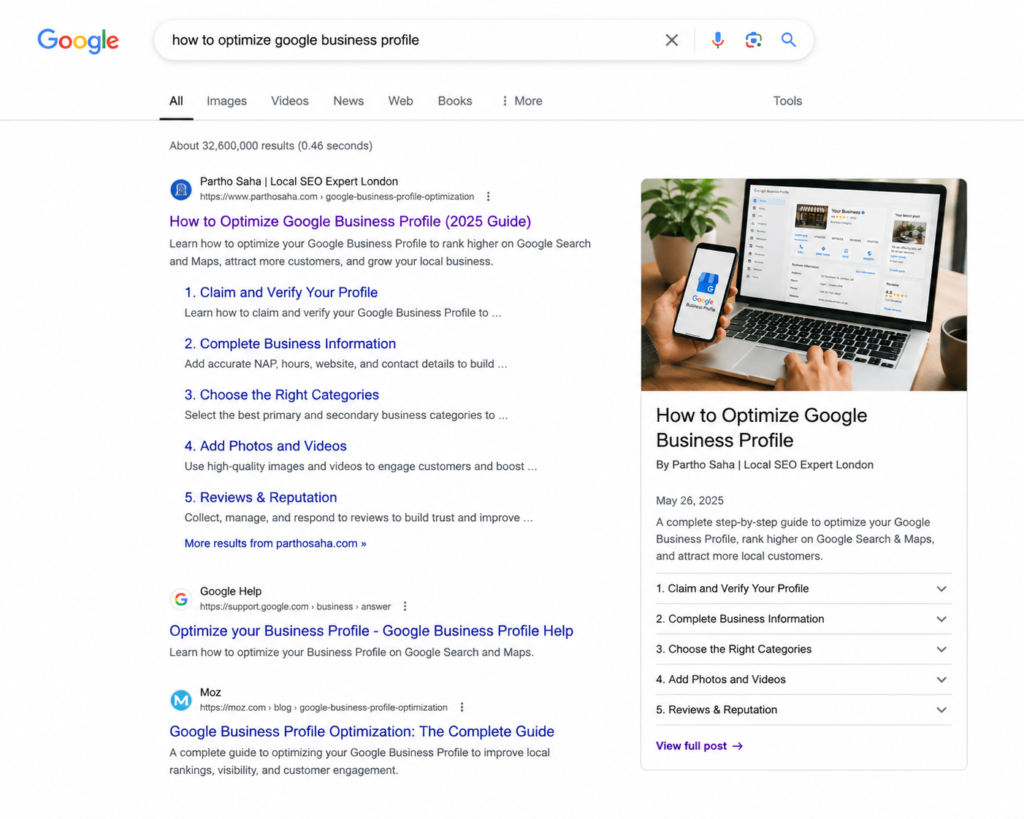
Step-by-Step Guide to Optimizing Your Google Business Profile
1. Claim and Verify Your Google Business Profile
The first step to optimizing your Google Business Profile is to claim and verify your listing. This allows you to control your business information and make necessary updates.
- Claim your profile by searching for your business name on Google and clicking “Claim this Business.”
- Once you’ve claimed your profile, verify it using the verification method provided by Google. You may receive a verification postcard at your business address, or you might be able to verify by phone or email.
Expert Tip: Verifying your Google Business Profile is crucial because it helps Google confirm that you’re the owner of the business and increases the trust factor for your profile.
2. Complete All Essential Business Information
Once your profile is verified, the next step is to ensure that all your business information is accurate and complete. This includes:
- Business Name, Address, and Phone Number (NAP): Ensure that your business name, address, and phone number are consistent across the web and match what’s on your website.
- Business Hours: List your regular business hours and make sure to update them for holidays or special events.
- Website URL and Appointment Links: Add your business website and links to appointment scheduling if applicable.
Actionable Tip: Consistency in your NAP data across your website and other directories is key for local SEO success. Google uses this data to verify your legitimacy and relevance.
3. Choose the Right Business Categories
Google allows you to select a primary business category and secondary categories. Selecting the right categories helps Google understand what your business is about and how it should be indexed in search results.
- Primary Category: Choose a category that best represents your business. For example, if you’re a local plumber, select “Plumber” as your primary category.
- Secondary Categories: You can add additional categories to provide more specific information about your services.
Warning: Don’t overfill your categories. Stick to the most relevant ones to avoid appearing spammy.
4. Add High-Quality Photos and Videos
Visual content is essential for engaging customers and providing them with a glimpse of what your business offers. Photos and videos are also a ranking factor in Google’s algorithm.
- Cover Photo: Choose a clear, high-quality image that represents your business. It could be a photo of your storefront or a team photo.
- Service Photos: Upload photos that showcase your products or services.
- Videos: Include videos to highlight your services, behind-the-scenes views, or customer testimonials.
Expert Advice: Businesses with photos receive 42% more requests for directions and 35% more click-throughs to their websites, according to Google.
5. Collect and Respond to Customer Reviews
Customer reviews play a major role in your local search rankings and influence potential customers’ decisions. Google considers reviews as a trust signal, so gathering positive reviews is vital.
- Ask for Reviews: Encourage satisfied customers to leave reviews. This can be done by sending follow-up emails or including a link to your Google Business Profile on your website.
- Respond to Reviews: Responding to reviews, whether positive or negative, shows that you value feedback and care about customer satisfaction.
Tip: Respond to negative reviews professionally, address concerns, and offer solutions. This can help turn a negative experience into a positive one and improve your business’s reputation.
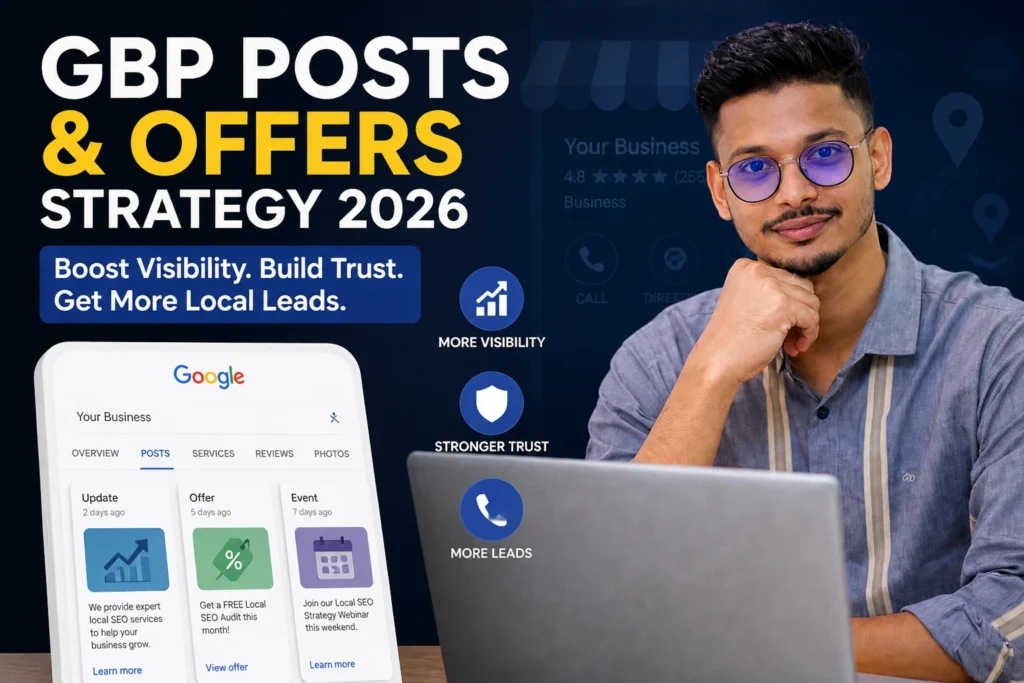
6. Use Google Posts to Engage with Customers
Google Posts allow businesses to share updates, offers, and events directly on their Google Business Profile. These posts can be seen by potential customers when they view your profile in search results or on Google Maps.
- Share Promotions: Promote special offers, discounts, or events.
- Announce News or Changes: Inform customers of new services, products, or hours.
- Add Calls to Action: Include a clear call to action in your posts, such as “Call now” or “Book an appointment.”
Actionable Tip: Post regularly to keep your profile fresh and engaging. Google Posts also provide a boost to your local SEO rankings.
7. Optimize for Voice Search
As more people use voice search on their smartphones, optimizing your Google Business Profile for voice search is becoming increasingly important.
- Focus on long-tail keywords and natural, conversational phrases.
- Ensure your FAQs are clearly answered on your profile to increase chances of appearing in voice search results.
AEO Example: “What is the best plumbing service near me?” By using keywords like “best plumbing service” and your location, you’ll increase your chances of appearing in local voice searches.
Advanced Google Business Profile Optimization Tips
1. Leverage Google Q&A
The Q&A section of your Google Business Profile allows potential customers to ask questions directly on your listing. You can also preemptively add frequently asked questions (FAQs) to ensure that customers get the information they need quickly.
- Pre-populate FAQs: If you regularly get the same questions from customers, add them to your profile with helpful answers.
- Monitor and Respond: Keep an eye on incoming questions and answer them promptly to increase customer engagement.
2. Use Google Analytics and Insights
Google provides valuable insights about how customers are interacting with your Google Business Profile. This includes data on:
- Search Queries: What terms people used to find your business.
- Customer Actions: What customers are doing once they find your business (calls, clicks to your website, direction requests).
By regularly analyzing this data, you can adjust your strategy for better results.
When to Call a Professional for Google Business Profile Optimization?
While the steps above provide a solid foundation for optimizing your Google Business Profile, there are instances when it might be beneficial to hire a professional.
- Complex Businesses: If you operate multiple locations or offer a variety of services, managing and optimizing multiple profiles can be time-consuming and require expertise.
- Stagnant Rankings: If your profile isn’t generating the visibility or leads you need, a professional can identify optimization gaps and implement advanced strategies to improve rankings.
Why Choose Partho Saha?
At Partho Saha, I specialize in helping businesses like yours rank not just on Google, but across AI platforms like ChatGPT, Gemini, and Copilot. With over 3+ years of experience, I’ve developed a deep understanding of how to optimize for Google Business Profile and ensure that your business gains long-term visibility, qualified leads, and lasting authority.
I don’t promise overnight rankings; instead, I build structured search systems that improve your business’s visibility over time. If you’re looking for a professional SEO consultant to optimize your Google Business Profile and strengthen your local SEO strategy, I’m here to help.
Cost of Optimizing Google Business Profile
Optimizing your Google Business Profile can be a low-cost investment with a high return. While you can complete the basics yourself, hiring an expert to handle the finer details will save you time and ensure your profile is optimized to its full potential.
Professional optimization services typically range from $500 to $2000, depending on the complexity and number of locations. The investment is worth it when you consider the increase in local search visibility, higher conversion rates, and improved customer engagement.
Preventative Maintenance and Optimization Tips
To keep your Google Business Profile performing well, regular updates and maintenance are necessary. Here are a few tips:
- Regularly Update Information: Keep your business hours, services, and promotions up-to-date.
- Monitor Reviews and Questions: Respond quickly to reviews and questions to maintain engagement and trust.
- Analyze Performance: Use Google Analytics and Insights to assess how your profile is performing and adjust your strategy accordingly.
Final-Thought
Optimizing your Google Business Profile is one of the most important steps you can take to improve your local SEO and attract more customers. By following the steps outlined above, you can enhance your visibility, improve your credibility, and drive more leads to your business.
If you’re ready to take your local SEO strategy to the next level, contact Partho Saha for expert guidance on optimizing your Google Business Profile and building long-term visibility across Google and AI platforms.Feel free to reach out at dmparthosaha@gmail.com to get started.